Full control over tracking data
Clamp and smoothing filters, tracking data adjustments and tracking data delay.
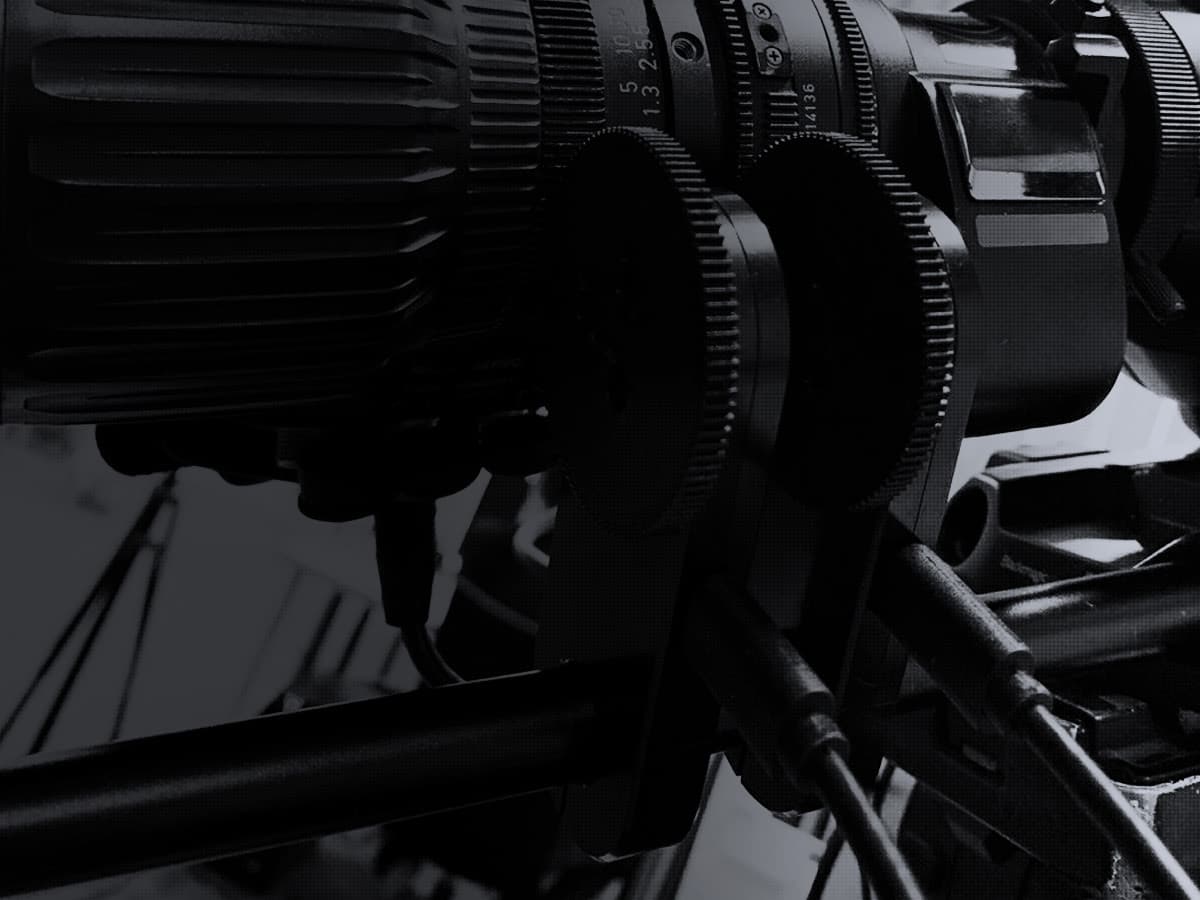
Calibrate any lens + camera set in 30 minutes and keep virtual camera data accurate across the entire zoom and focus range.
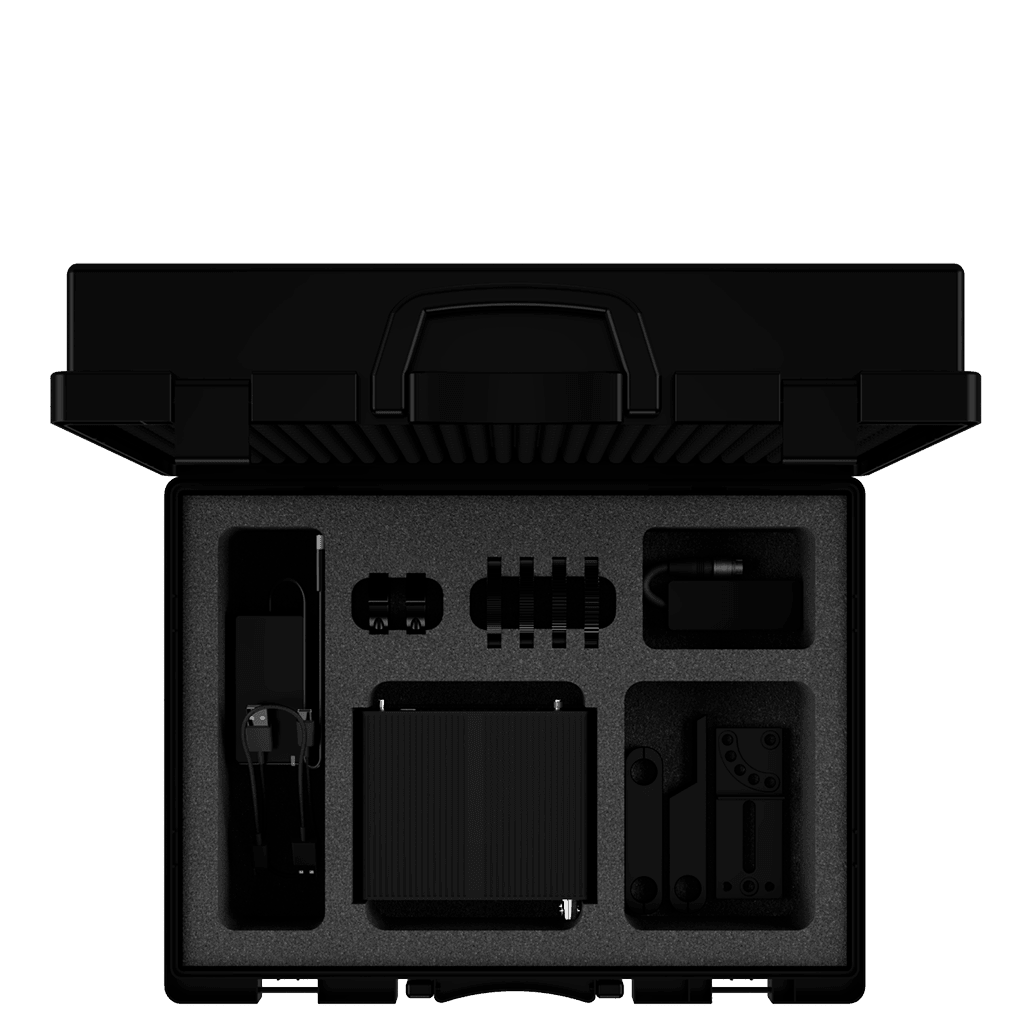 CAMIX / PIPELINE
One of the most important tasks of virtual camera tracking is calibration. Prizm allows you to calibrate any set of lens + camera in 30 minutes. After changing the position or replacing the tracker, recalibration takes no more than 5 minutes!
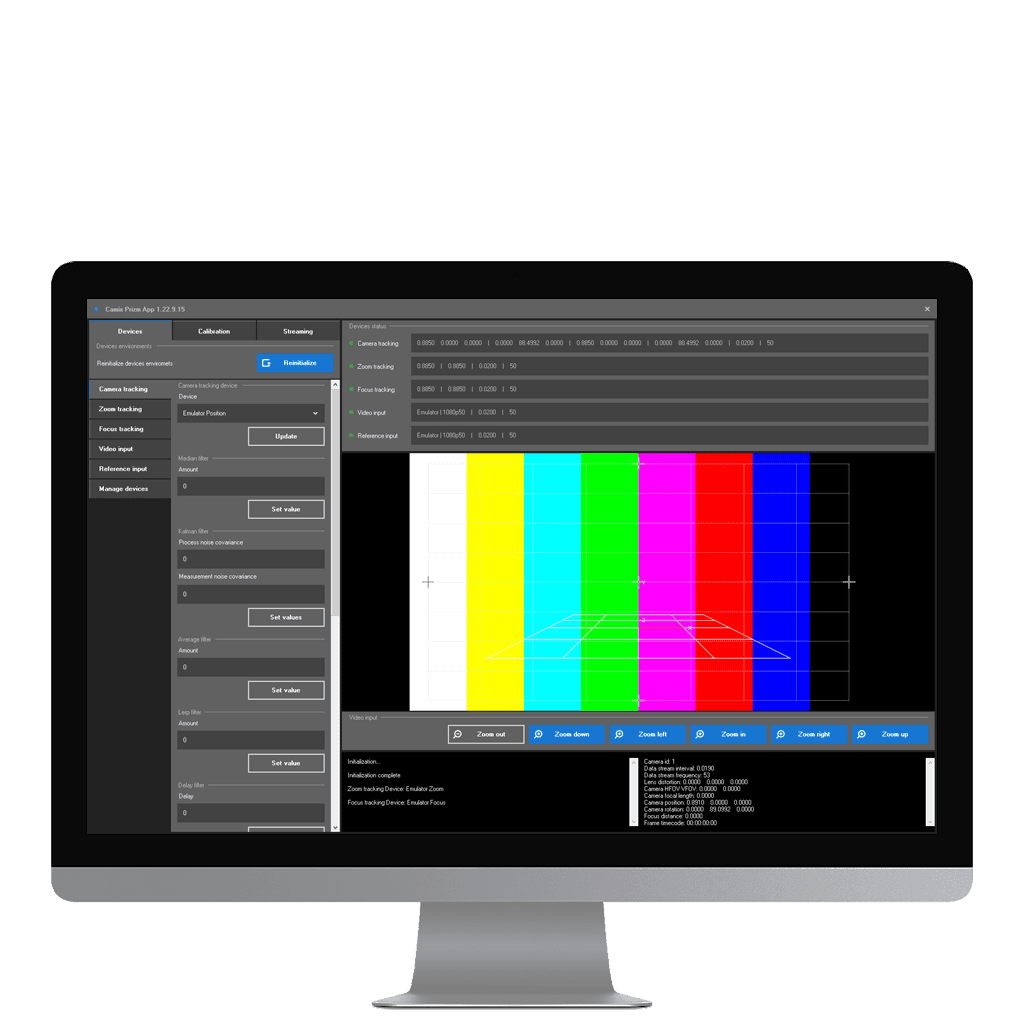 CAMIX / PIPELINE
Prizm is a hardware + software solution for configuring, calibrating and streaming virtual camera state data. It connects almost any existing tracking system, calibrates a lens + camera set and streams the exact virtual camera state using FreeD D1, Mo-Sys F4, OSC, JSON and XML protocols.
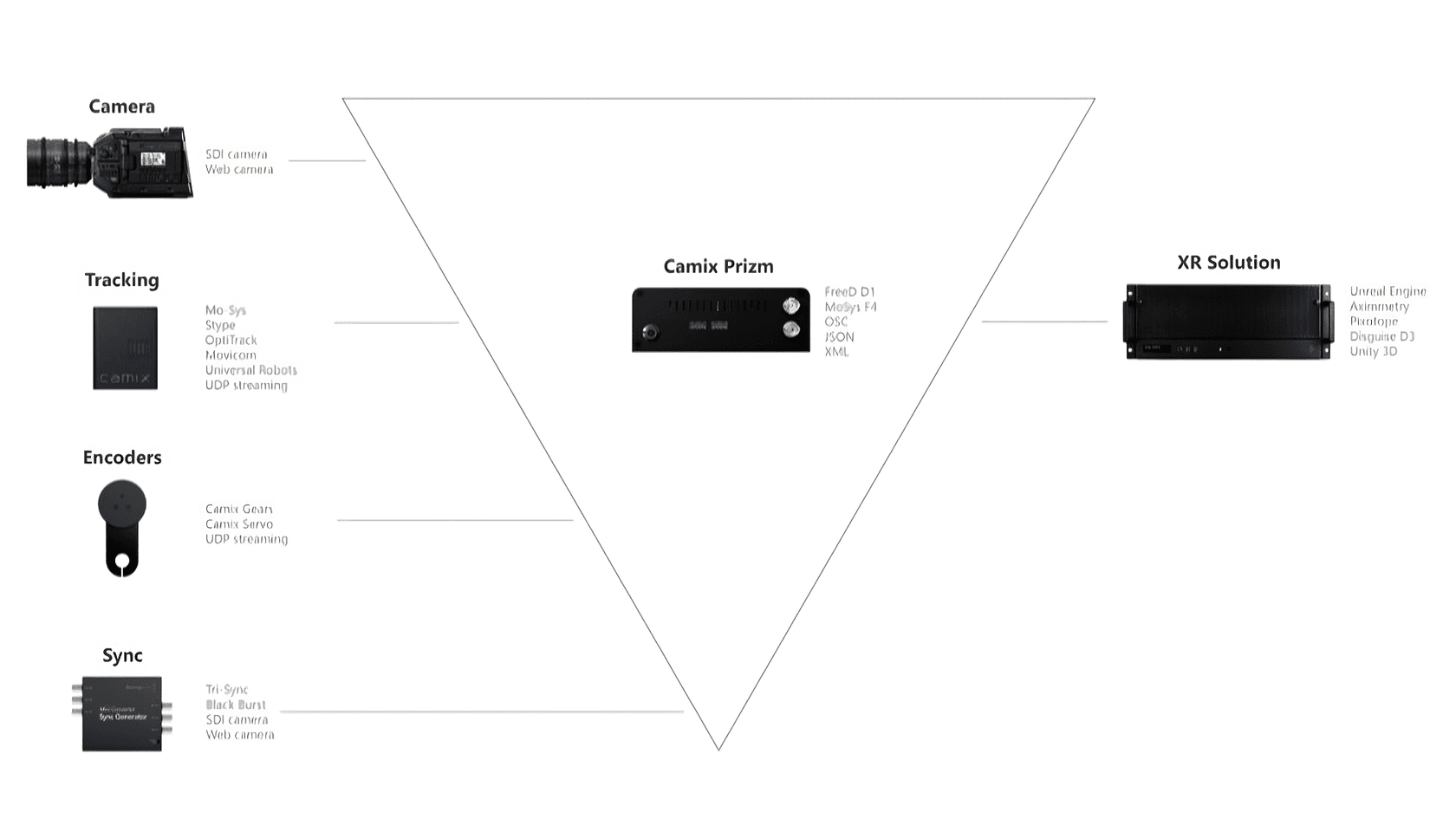 CAMIX / PIPELINE
Prizm works like a collecting prism: it combines data from the camera, tracking system, lens encoders and sync generator into the virtual camera state — position, rotation, field of view, lens distortion and more.
Clamp and smoothing filters, tracking data adjustments and tracking data delay.
Lens distortion, camera position and rotation, field of view and focus plane distance across dynamic zoom and focus.
Environment axes, units of measure and streaming data delay.







Yes. With a simple, fast and accurate calibration procedure, you can create a lens + camera calibration file — a virtual camera calibration file.
Camix Prizm sends data via FreeD and OSC protocols. FreeD provides the exact virtual camera point; OSC provides ready-made virtual camera state data that can be bound to the same parameters in the 3D engine.
Yes. During calibration you can specify the zero point and the direction of the right, up and forward axes.
Yes. Lens distortion, virtual camera point, field of view and focal plane distance can all depend on both zoom and focus values.
Prizm supports tracking systems suitable for outdoor use, including Movicom Robycam, Mo-Sys e-Sensor, CV-Support tripods and Intel RealSense T265.
Yes. Camix Gear encoders can work with a toothed follow-focus ring or a similar solution.
Tell us about your setup and production goals. We will prepare a personalized Camix proposal.
[email protected]