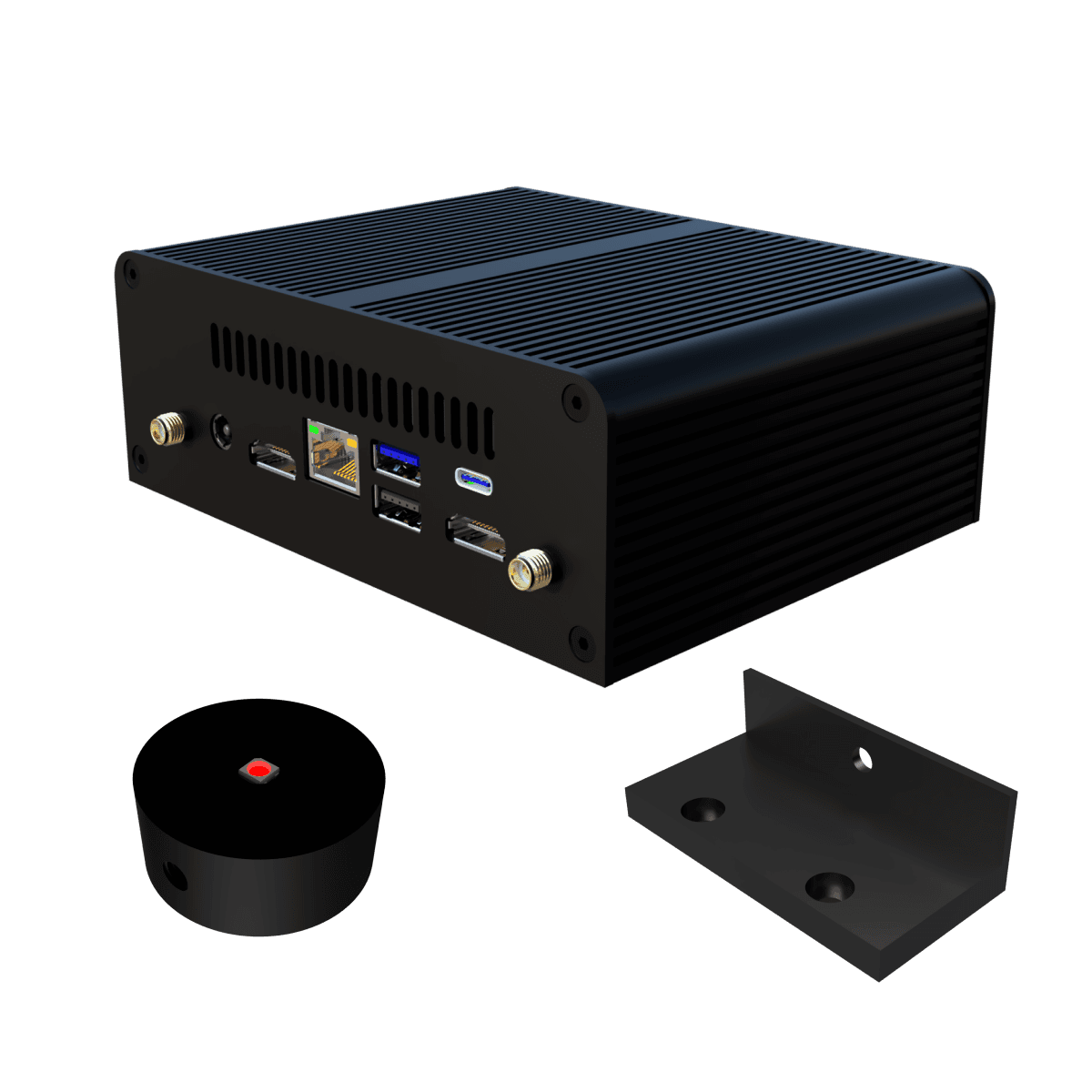
Mount the tracker
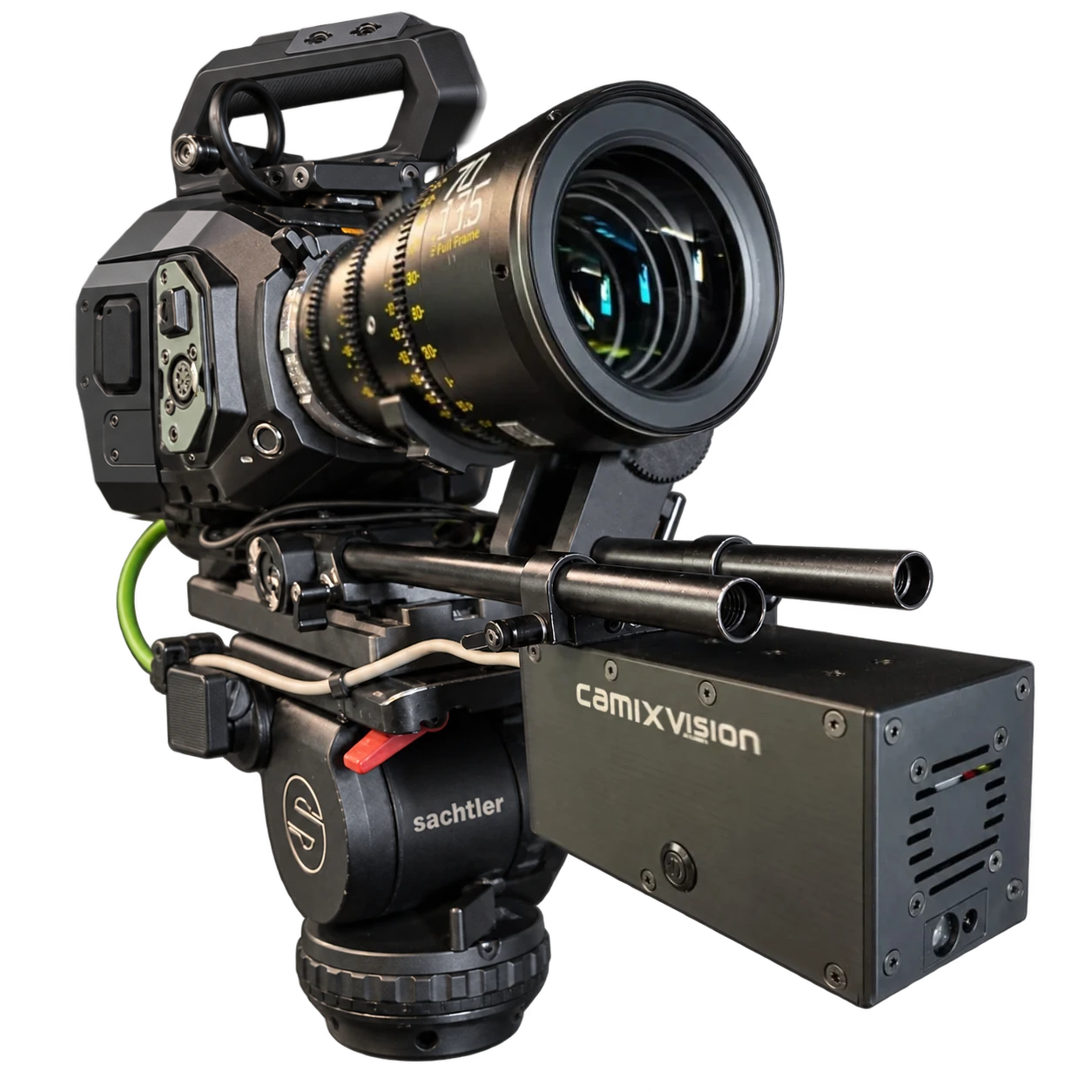
Rigidly attach Vision to the camera or object so the tracker moves with it.
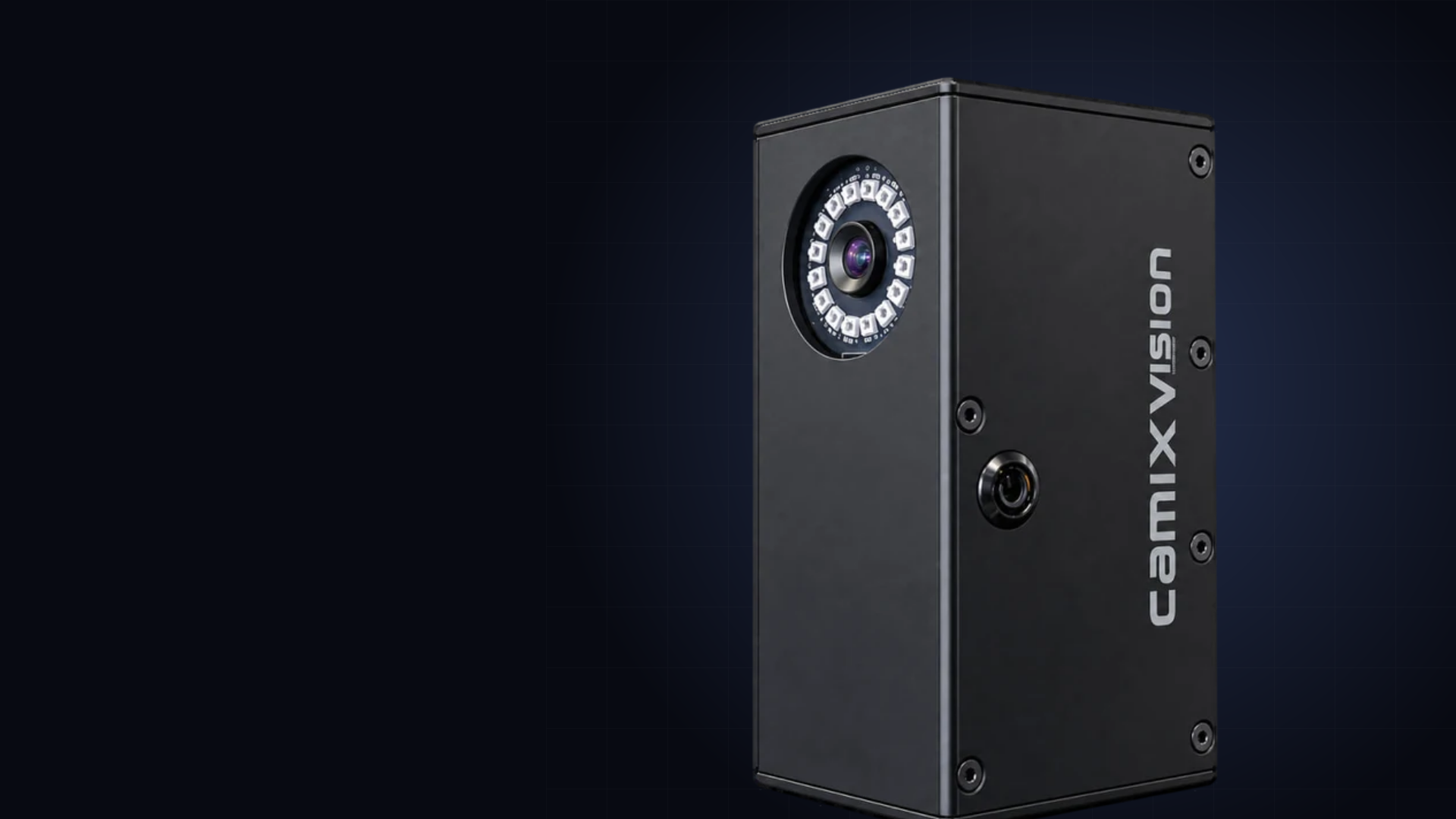
Your camera moves. Your virtual scene follows. Optical position and orientation tracking for virtual production, LED volumes, XR and live broadcast.
 CAMIX / PIPELINE
Vision tracks the position and orientation of your camera against an optical marker map. As the camera moves, the system sends its movement to your virtual scene in real time. Mount the tracker on the camera, prepare the studio marker map and connect the tracking stream to CAMIX Prizm or your real-time engine.
Rigidly attach Vision to the camera or object so the tracker moves with it.
Optical markers in the working area form the reference map used by the tracking system.
Vision calculates position and orientation as the camera moves through the prepared space.
Send the tracking stream over FreeD / OSC to Prizm, Unreal Engine, Aximmetry or another compatible system.
 CAMIX / PIPELINE
Camera tracking gives your engine the viewpoint it needs to render the right perspective. The virtual camera follows the physical camera, keeping the scene's perspective and parallax aligned as you move. For XR set extension, the engine can render the virtual environment beyond the physical edges of the LED wall.
Connect the movement of your production camera to the virtual camera in Unreal Engine or Aximmetry.
Keep perspective and parallax responsive to the camera as it moves in front of the LED screen.
Combine presenters, physical scenery and rendered graphics, including virtual set extensions.
Bring optical camera tracking to television studios, live shows and virtual sets.
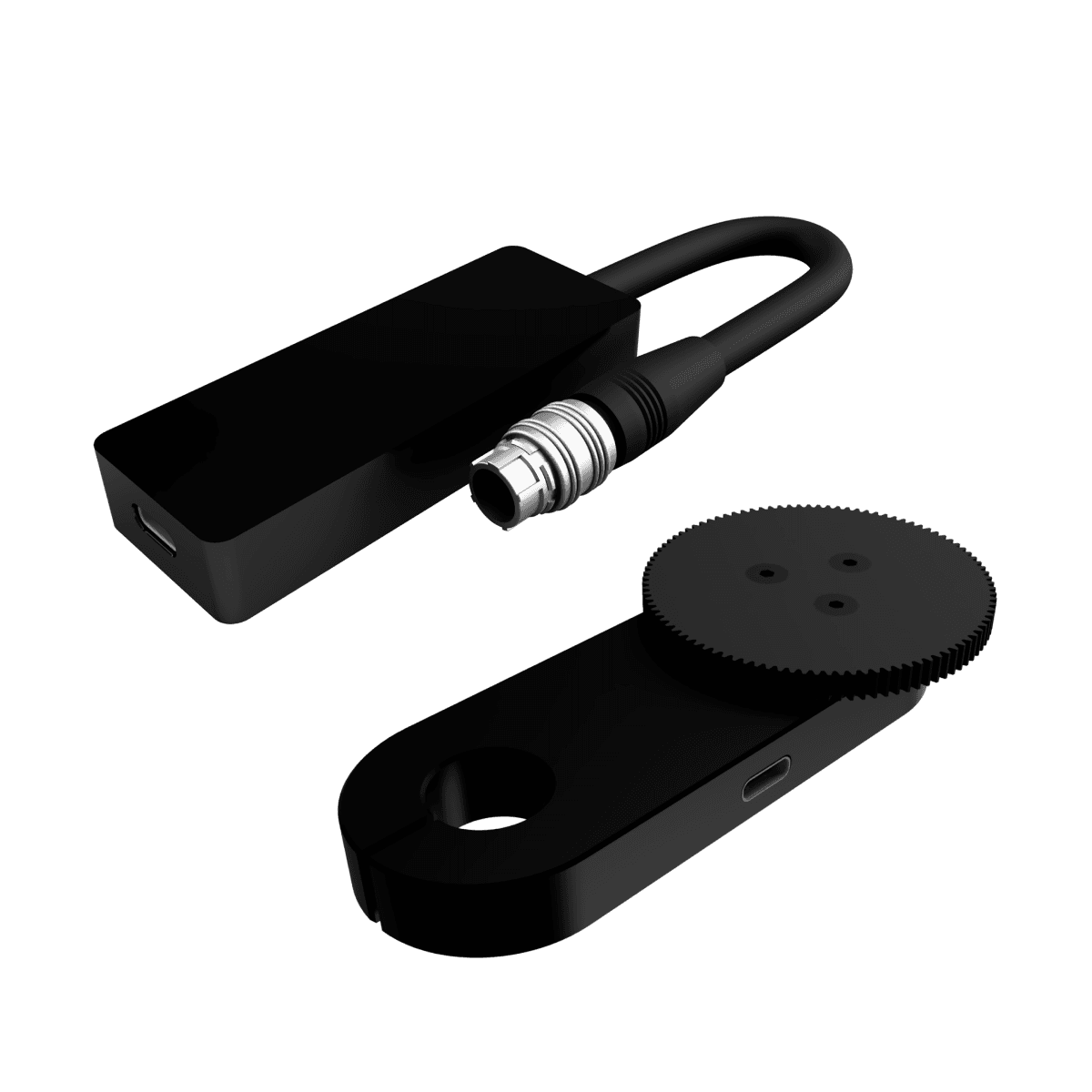
Vision provides camera position and orientation. CAMIX Gear / Servo adds zoom and focus data. CAMIX Prizm brings tracking and lens calibration together and prepares the virtual camera data for your engine. Build the tracking workflow around your cameras, lenses, studio layout and production requirements.
Add lens calibration and encoder data to your Vision tracking workflow. Explore the other parts of the CAMIX system.
Yes. Vision uses an optical marker map of the working area to determine the camera's position and orientation. Preparing the marker map and calibrating the setup are part of deployment.
No. Tracking data can be sent to CAMIX Prizm, Unreal Engine, Aximmetry and other compatible systems over FreeD / OSC. We can help plan the connection for your engine and production workflow.
Yes. Add CAMIX Gear / Servo encoders to provide lens data, with CAMIX Prizm handling the calibration and preparation of the virtual camera state.
Vision can be used with studio cameras, cranes, dollies, stabilizers and other rigs. The tracker must be rigidly mounted and able to observe the prepared marker map throughout the planned movement.
Tell us about the studio dimensions and working area, your cameras and lenses, real-time engine, LED or XR setup and intended camera movements. We will propose a configuration and confirm the accuracy and coverage for your space.
Tell us about your cameras, lenses, engine and working area. We will help you plan the tracking setup and prepare a CAMIX Vision proposal for your production.
[email protected]